Limo Software with Flight Tracking: Airport Transfer Dispatch That Handles Delays
Airport transfer dispatch software with live flight tracking, auto-adjusted pickups, wait-time billing, and meet-and-greet instructions for drivers.

On this page
- Why do airport trips break generic booking software?
- What does airport flight tracking actually do?
- How does airport wait-time billing work?
- Meet-and-greet vs. curbside: what's the difference?
- How does a tracking link end the "where's my driver" call?
- What airport permits and compliance records should software track?
- Which airports, airlines, and hours actually make money?
- Frequently Asked Questions
- How can you see the airport workflow in action?
Quick answer: Airport trips need live flight tracking that auto-adjusts pickup time for delays, automated wait-time billing after the free grace period, meet-and-greet vs. curbside instructions on the driver's screen, and a tracking link so the passenger stops calling dispatch.
Airport work is the backbone of most ground-transportation operations, and it's also where generic booking software falls apart. A wedding shuttle runs on a fixed schedule. An airport transfer runs on a schedule that a delayed flight, a diverted plane, or a fast customs line can blow up an hour before pickup.
If your software can't react, your driver is either sitting on the meter for 90 minutes or arriving after the passenger has given up and taken a rideshare. This guide covers what airport-specific dispatch software has to do, and why the flight number is the most important field on the booking.
Why do airport trips break generic booking software?
A generic booking tool treats an airport pickup like any other reservation: you enter a time, the driver shows up at that time, done. Airports don't work that way.
- The pickup time is a guess until the plane lands. Book a 3:15 p.m. arrival for a 3:30 pickup and the flight lands at 4:50: your driver has been circling or idling for 80 minutes, or you sent them late and they missed the window entirely.
- Wait time is real money that generic tools don't capture. The driver waited 45 minutes past the grace period. Generic software has no field for it, so either you eat the cost or you argue with the client about a charge you can't document.
- The driver needs airport-specific instructions. Which terminal? Curbside or meet-and-greet? What door number? Generic tools give you a "notes" field, and notes fields get ignored.
Airport dispatch software fixes all three by making the flight the center of the trip, not an afterthought.
What does airport flight tracking actually do?
If a platform claims airport capability, this is the first thing to test. Real flight tracking does more than store a flight number in a note. For how this works in LimoFlow, see limo software that tracks flights and adjusts airport pickups.
Tail and flight-number lookup
Enter the airline and flight number (or the tail number) and the system pulls the live status: scheduled time, actual time, gate, terminal, and current delay. The booking becomes tied to that flight, so it updates as the flight updates instead of sitting frozen at whatever time was booked three weeks ago.
Delay and early-arrival auto-adjust
This is the feature that earns its keep. When the flight slips two hours, the system moves the effective pickup time with it and flags the change to dispatch and the driver, so nobody rolls to the airport for a plane that's still on the tarmac two states away.
Early arrivals matter just as much. A flight that lands 40 minutes ahead of schedule means a passenger standing at the curb wondering where the car is. Auto-adjust in both directions is the point.
Cancelled-flight handling
When a flight cancels, the trip can't just silently stay on the board. Good software surfaces the cancellation so dispatch can reach the passenger, find their rebooking, and reassign the pickup or release the driver. The worst outcome is a driver dispatched to meet a flight that no longer exists.
How does airport wait-time billing work?
Airport wait time is where operators lose money quietly, one trip at a time, because they can't bill for it cleanly or can't prove it happened.
- Grace periods. Most operators give a free window, commonly 30 to 60 minutes for international arrivals and 15 to 30 for domestic, to cover deplaning, immigration, and baggage. The software should start that clock from actual landing time, not scheduled, because that's what's fair and defensible.
- Per-increment charges. After the grace period, wait time bills in increments, typically per 15 minutes, at a rate you set. The system should calculate it automatically and drop it onto the invoice, not leave it to the driver's memory.
- Proving the wait happened. This is the part that stops the argument. When wait time is anchored to the driver's GPS position and timestamps (car arrived at the cell lot or curb at 4:10, passenger boarded at 5:05), you have a defensible record. "Your driver wasn't even there" is hard to argue against a location-and-time trail.
Meet-and-greet vs. curbside: what's the difference?
These are two different products, and the driver needs to know which one they're running before they arrive.
Curbside is the standard: the driver stages nearby, the passenger walks out to a designated pickup area, and the driver rolls up when they're at the curb. The driver needs the terminal, the arrivals-level door or zone number, and a phone number for the passenger.
Meet-and-greet is the premium version: the driver parks, walks into the terminal, and waits at baggage claim or the arrivals hall with a name sign. This is what corporate account and VIP clients pay for. The driver needs the passenger's name for the sign, the specific meeting point, and usually the go-ahead to charge parking and the longer wait.
The software has to put the right instruction set on the driver's screen for that specific trip: which service, which terminal, which door, name-sign text, special requests. That way the driver isn't texting dispatch from the arrivals hall asking what to do. Getting this onto the driver app cleanly is the same discipline as automating trip confirmations to the client: the right information reaches the right person automatically, before they need to ask.
How does a tracking link end the "where's my driver" call?
Here's the call that eats your dispatcher's afternoon: a passenger who just cleared customs, standing at the curb, phone in hand, asking where the car is. Multiply that by every airport trip and dispatch spends the day answering ETA questions instead of dispatching.
A passenger-facing tracking link kills that call. When the driver is assigned and en route, the passenger gets a link, by SMS or email, showing the car's live location, the driver's name and phone, and the vehicle description. The passenger self-serves the answer, and dispatch gets its afternoon back.
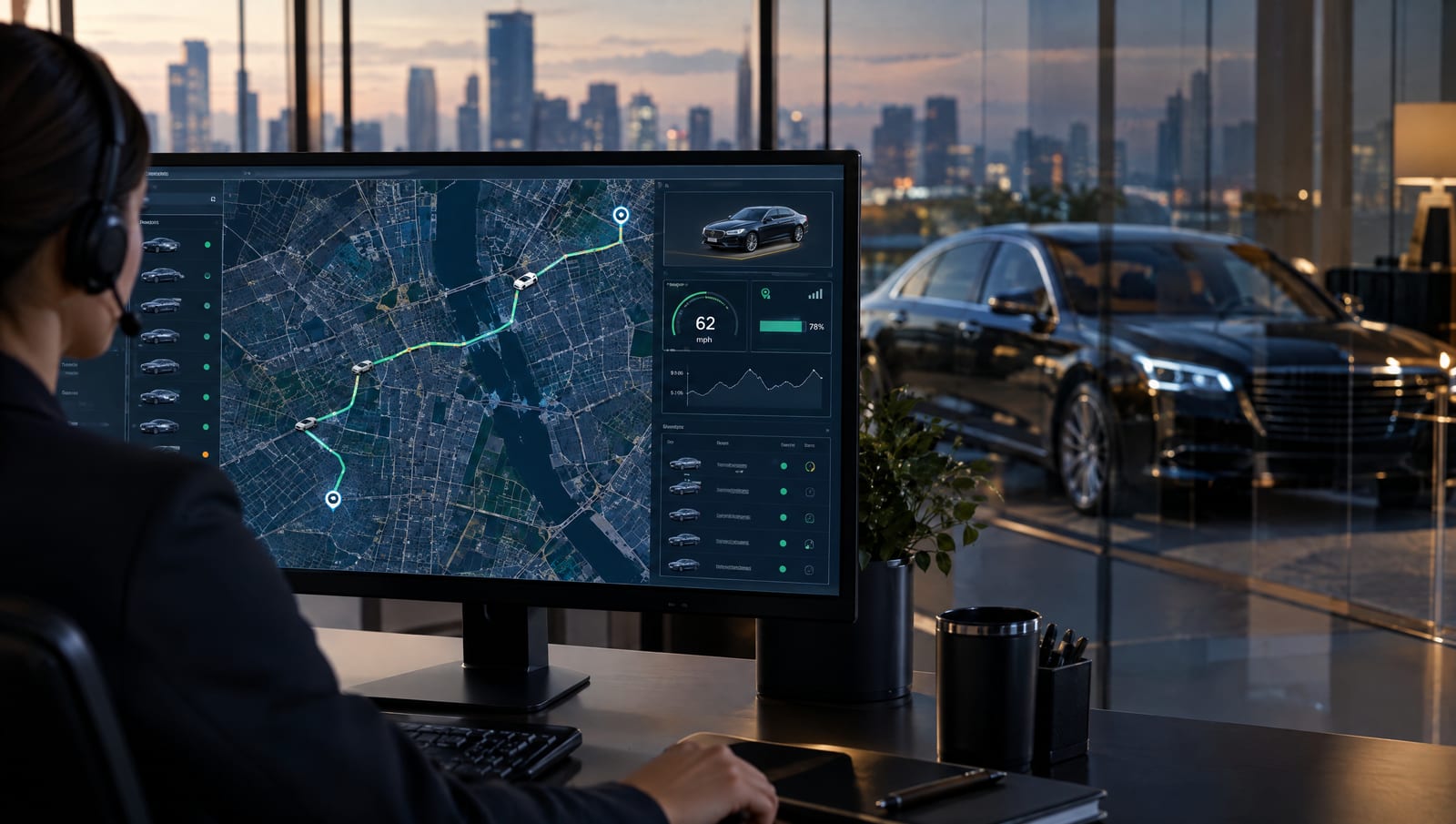
Pair it with an automated "your driver is on the way / your driver is at the curb" text and most airport pickups happen without a single inbound call. LimoFlow includes live flight tracking and live GPS driver tracking, along with automated customer notifications, so much of this sequence can run on its own. Live GPS driver tracking is included on Essential and higher plans.
What airport permits and compliance records should software track?
Airports are regulated environments, and the operational reality shows up in your recordkeeping.
- Permits. Most major airports require a commercial ground-transportation permit and often per-trip or per-entry fees (AVI trip fees). Your software should let you track which airports you're permitted for and, where the airport charges per trip, capture that cost against the trip so it lands on the invoice or your margin analysis.
- Staging areas. Airports route commercial vehicles through a cell phone lot or a designated staging area before curbside pickup. Driver instructions should reflect where to stage for that airport so new drivers aren't guessing.
- Compliance trip records. Timestamped, GPS-anchored trip records aren't just for billing. They're what you produce if an airport authority or a corporate client's travel-risk program asks for proof of a trip. Keep them clean.
Which airports, airlines, and hours actually make money?
Once the operational side works, the data tells you where the money is. Airport-aware reporting should break your trips down by:
- Airport: which ones are worth the permit fees and which drain margin on empty deadhead miles.
- Airline and route: chronically delayed flights mean more wait time; is that wait time being billed, or absorbed?
- Hour of day: the 6 a.m. departure rush and the late-evening arrival bank have very different economics.
This is the same reporting discipline covered in the guide to integrated GPS tracking and reporting, pointed specifically at airport work. And when airport transfers are part of a corporate account or recurring-ride program, that per-airline, per-hour data is what lets you price the contract so the delay-heavy routes don't quietly eat your margin.
Frequently Asked Questions
Does flight tracking work for international flights?
Yes, for scheduled commercial international flights: the same tail or flight-number lookup that tracks domestic flights covers international carriers, so pickups auto-adjust when an inbound long-haul is delayed or arrives early. International arrivals are where tracking earns the most, because immigration and customs can add an hour between landing and curbside, which is why international grace periods are usually longer than domestic. Private and charter aviation coverage can be more limited, so if you run many private-jet FBO pickups, confirm that specific coverage.
What happens if a flight is cancelled?
The system surfaces the cancellation instead of leaving a dead trip on the board, and alerts dispatch so they can contact the passenger, find the rebooked flight, and either re-time the pickup or release the driver. The goal is that no driver is dispatched to meet a flight that has already cancelled, and no passenger on a rebooked flight is left without a car. How proactively this is handled is a fair question to put to any vendor during a demo.
How does wait-time billing prove the driver actually waited?
It anchors the wait clock to the driver's GPS location and timestamps rather than to what the driver types in later. The record shows when the car arrived at the staging area or curb and when the passenger boarded, so the billable wait is the documented gap between those events, starting only after the free grace period from actual landing time. That location-and-time trail makes a wait-time charge defensible if a client disputes it.
What is the difference between meet-and-greet and curbside pickup?
With curbside, the driver stages nearby and rolls up when the passenger reaches the designated pickup area. With meet-and-greet, the driver parks, walks into the terminal, and waits with a name sign at baggage claim or the arrivals hall. Software should put the right instructions on the driver's screen for each trip, including terminal, door or meeting point, and name-sign text.
How long should the free grace period be for airport pickups?
Most operators give a free window, commonly 30 to 60 minutes for international arrivals and 15 to 30 for domestic, to cover deplaning, immigration, and baggage. The software should start that clock from actual landing time, not scheduled time, because that is fairer and easier to defend.
How can you see the airport workflow in action?
See the airport workflow in a live demo: book a LimoFlow demo. If you're still comparing airport-capable dispatch platforms, make flight-tracking auto-adjust and GPS-anchored wait time your first two test cases. You can also read about LimoFlow's airport transfer booking software.
Sign Up For Our Limo Marketing Newsletter
Sign up for SMS updates on strategies and tips to increase bookings.